
For developers · 5 min read
Build your first integration
Use the API dashboard to prepare an integration, then follow a check from submission to its completed report.
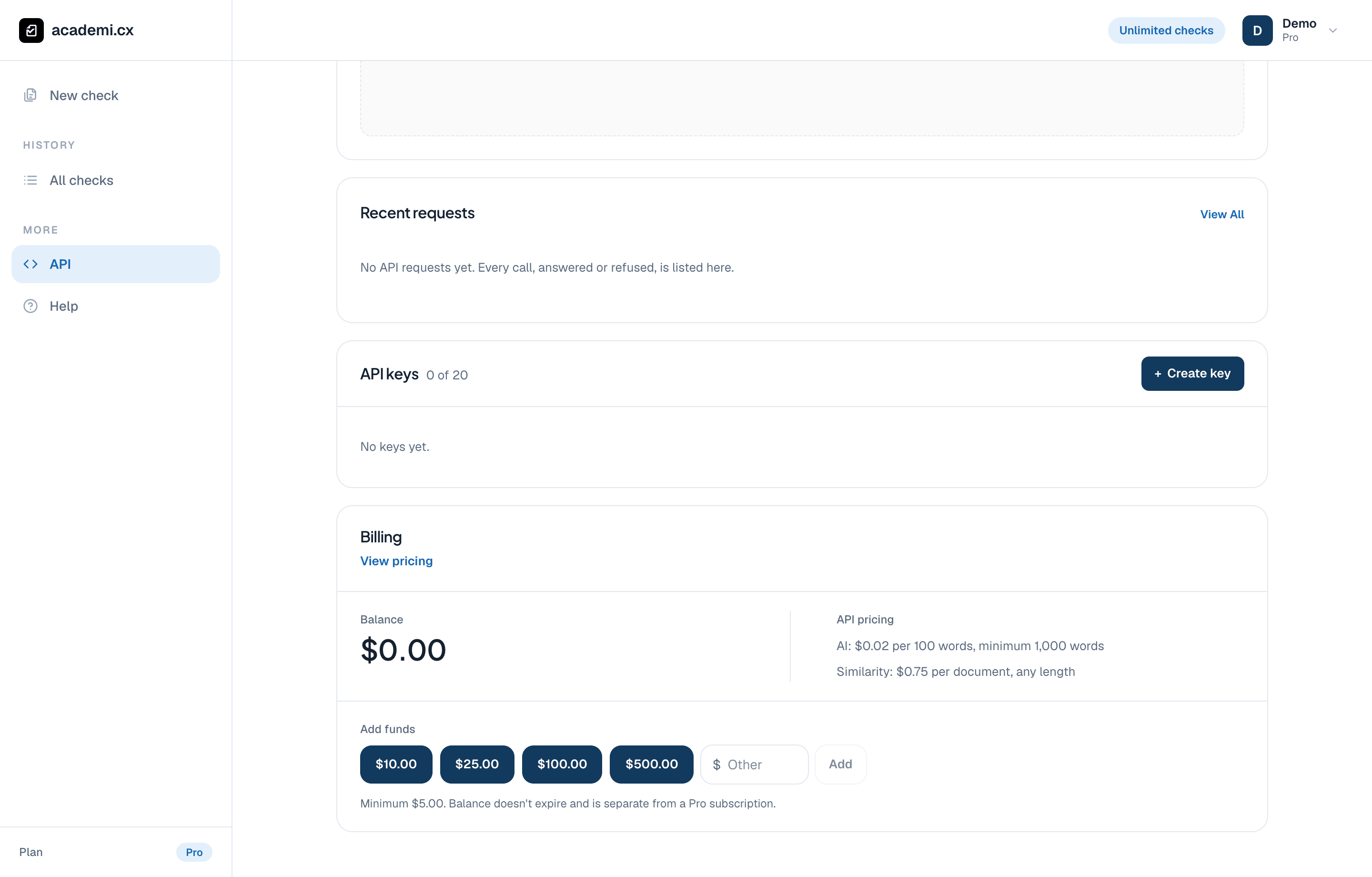
Create a key for your integration and keep it on your server. This empty demo account has no real key to reveal.
Set up server-side access
Open API in your dashboard to manage keys and prepaid API balance. Website subscription access and API usage are billed separately. Create a key for your integration and store it on your server; do not embed it in browser code or screenshots.
Follow the check lifecycle
AI and similarity have separate results and charges. A combined check can finish partially when only one product succeeds. Keep the successful result and handle the other product’s error explicitly.
Submit text or a document from your server using an API key.
Save the returned check ID while processing continues.
Poll the check summary or receive a signed webhook when its status changes.
Retrieve the available report after completion, and show the relevant passages alongside the result.
Keep the score meanings intact
The report’s raw sentence scores and the website’s displayed sentence percentages are different scales. Use the returned tier and exclusion metadata when explaining a result. Do not label a raw model score as a verified probability of authorship, or average it to replace the calibrated document percentage.
Prepare for retries and support
- Use idempotency keys when creating checks.
- Keep the check ID with your application’s own reference.
- Verify webhook signatures and handle duplicate deliveries.
- Provide useful loading and error states, and monitor your API balance.
Still have a question? We’re here to help.